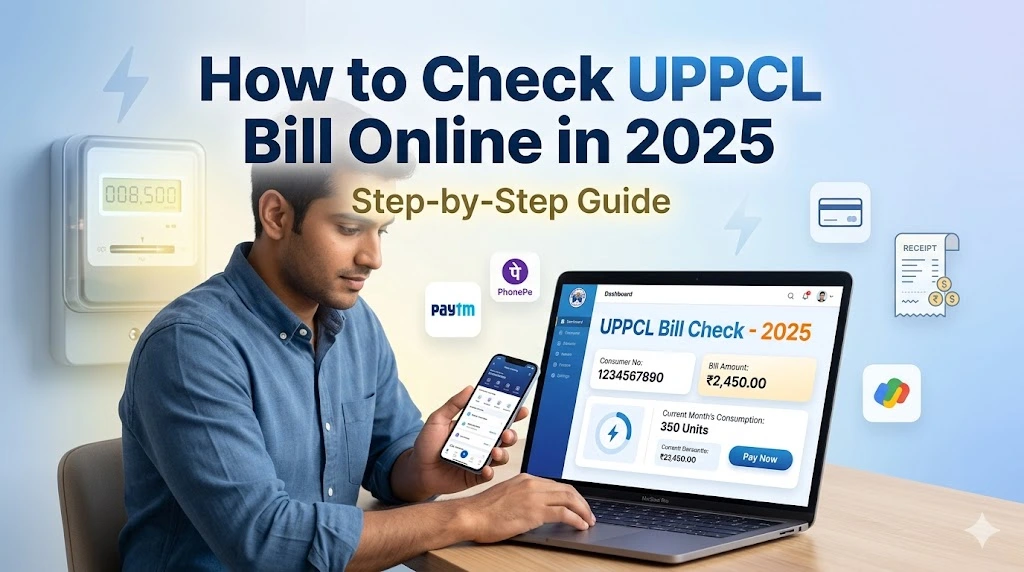
How to Check UPPCL Bill Online in 2026 (Step-by-Step Guide)
If you are a consumer of Uttar Pradesh Power Corporation Limited (UPPCL), checking your electricity bill online has never been easier. Whether you live in Lucknow, Kanpur, Agra, Varanasi, Prayagraj, or any other district of Uttar Pradesh, you can view your complete bill details from the comfort of your home — no standing in queues, no waiting at the electricity office.
In this comprehensive guide, we explain every method to check your UPPCL bill online, what information you will need, and answers to the most common questions consumers ask.
What You Need Before Checking Your UPPCL Bill
Before you begin, make sure you have the following ready:
- 10-digit consumer account number — printed on your previous electricity bill under “Account No.” or “खाता संख्या”
- A smartphone, tablet, or computer with internet connection
- A browser (Chrome, Firefox, Safari — any modern browser works)
Method 1: Check UPPCL Bill on Official Website (upenergy.in)
This is the most reliable and official method to view your UPPCL electricity bill online.
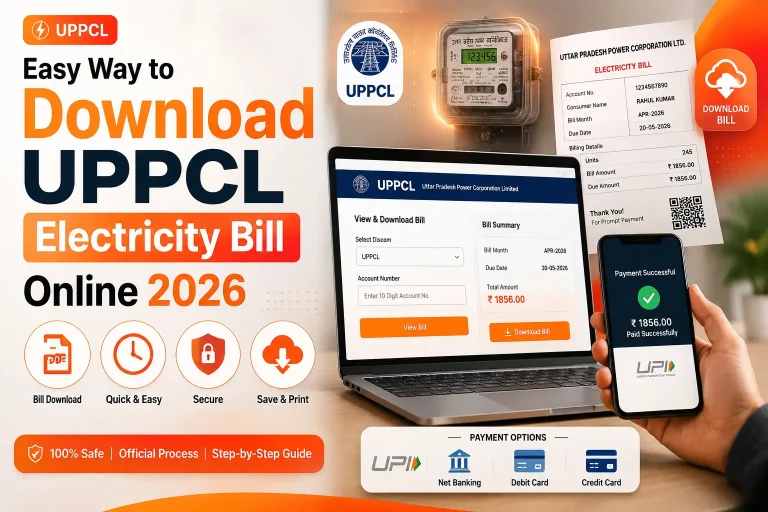
Open the UPPCL Official Website
Go to www.upenergy.in on your browser. This is the official website of UPPCL for all consumer services.
Click on “View and Pay Your Bill”
On the homepage, find the “Consumer Services” section or directly click on the “View and Pay Your Bill” option from the quick links menu.
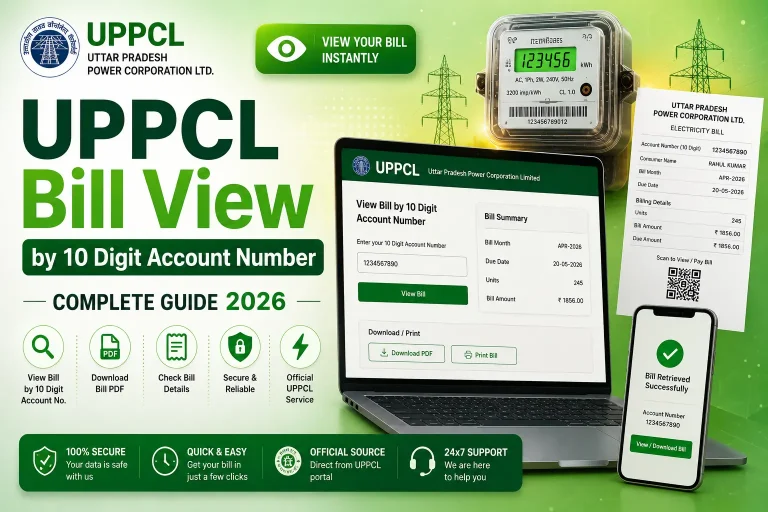
Enter Your 10-Digit Account Number
Type your 10-digit consumer account number in the input field. Make sure there are no spaces or extra characters. Click the “Submit” or “View Bill” button.
View Your Bill Details
Your complete electricity bill will appear on screen. You can see the current amount due, previous balance, units consumed, due date, and billing period.
Download or Pay Your Bill
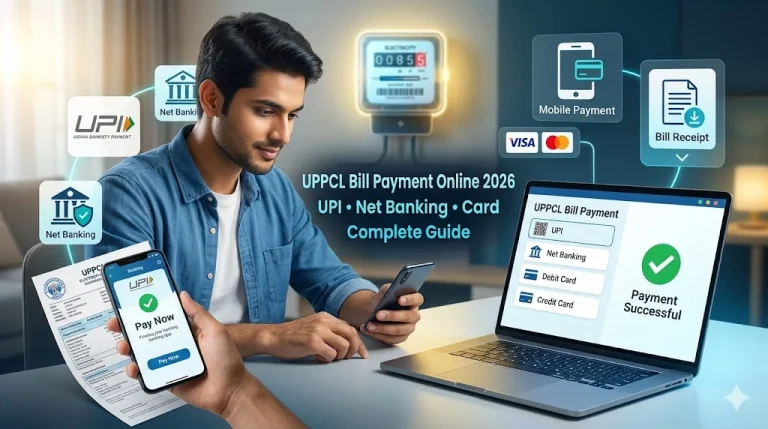
From the same screen, you can choose to download your bill as a PDF or proceed to pay it online using UPI, Net Banking, or Debit/Credit card.
Method 2: Check UPPCL Bill via Mobile App
UPPCL offers an official mobile application for Android devices, making it even easier to check and pay your electricity bill on the go.
- Open the Google Play Store on your Android phone
- Search for “UPPCL” or “UP Bijli Bill”
- Download the official app published by UPPCL
- Register using your mobile number and account number
- Once logged in, your bill details will appear on the dashboard automatically
The app also sends payment reminders before your due date, which helps you avoid late payment charges.
Method 2: Check UPPCL Bill via Third-Party Apps
Many popular payment apps also support UPPCL bill check and payment. Here is a comparison:
| App / Platform | Bill Check | Payment | Receipt |
|---|---|---|---|
| upenergy.in (Official) | ✅ Yes | ✅ Yes | ✅ Yes |
| Google Pay | ✅ Yes | ✅ Yes | ✅ Yes |
| PhonePe | ✅ Yes | ✅ Yes | ✅ Yes |
| Paytm | ✅ Yes | ✅ Yes | ✅ Yes |
| BHIM UPI | ❌ No | ✅ Yes | ✅ Yes |
What Information Shows in Your UPPCL Bill?
When you check your UPPCL bill online, the following details are displayed:
- Consumer Name — Name of the account holder
- Account Number — Your 10-digit unique identifier
- Meter Number — Your electricity meter’s serial number
- Billing Period — The month for which the bill is generated
- Previous Reading — Meter reading at the start of billing period
- Current Reading — Meter reading at the end of billing period
- Units Consumed — Total electricity used (in kWh)
- Energy Charges — Cost based on slab rate
- Fixed Charges — Monthly fixed connection charge
- Arrears — Any previous unpaid amount
- Total Amount Due — Final payable amount
- Due Date — Last date to pay without surcharge
UPPCL Bill Check — Common Problems and Solutions
Problem 1: “Account Number Not Found” Error
This usually means you are entering the wrong number. Double-check your old bill. Make sure you are entering the account number, not the meter number. Both are 10 digits but they are different.
Problem 2: Website Not Loading
UPPCL’s website sometimes experiences high traffic during peak hours. Try accessing it early morning (before 9 AM) or late evening. You can also use Google Pay or PhonePe as an alternative to check and pay your bill.
Problem 3: Bill Not Generated Yet
UPPCL generates bills monthly. If your bill has not been generated yet for the current month, the system may show the previous bill or no bill. Bills are typically generated between the 1st and 10th of each month.
Check Your UPPCL Bill Right Now
Use our quick tool — enter your 10-digit account number and go directly to the UPPCL portal
Check UPPCL Bill →Frequently Asked Questions
Conclusion
Checking your UPPCL electricity bill online is a simple, fast, and completely free process. All you need is your 10-digit consumer account number and an internet connection. The official UPPCL portal at upenergy.in provides real-time bill information and supports multiple online payment methods. Bookmark the page, save your account number, and never miss a payment deadline again.
If you found this guide helpful, share it with your family and neighbors in Uttar Pradesh so they can also manage their electricity bills conveniently from home.