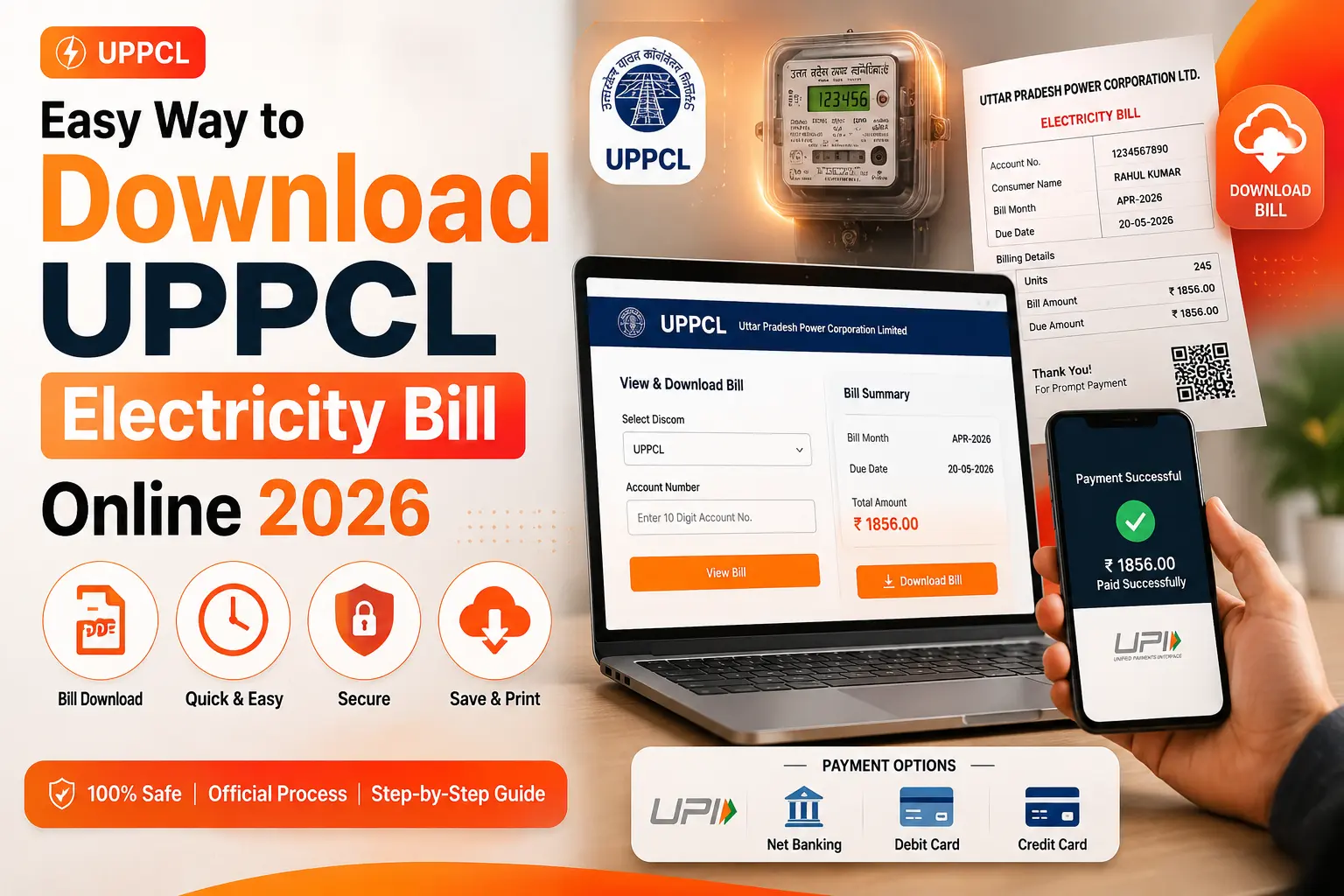
How to Download UPPCL Electricity Bill Online 2026 (PDF Guide)
Need a copy of your UPPCL electricity bill for address proof, income tax filing, rental documentation, or simply for your records? You can easily download your UPPCL bill as a PDF at any time from the official UPPCL website — no office visit required.
This guide explains exactly how to download your current and past UPPCL electricity bills, what to do if the download button does not work, and how to get a duplicate bill if you have lost your original.
Why Do You Need to Download Your UPPCL Bill?
There are many valid reasons consumers need a downloaded copy of their electricity bill:
- Address proof — Electricity bills are accepted as address proof for Aadhaar, Passport, and bank account applications
- Rental agreements — Landlords and tenants often need the latest electricity bill
- Income tax filing — Claiming home office or business electricity deductions
- Loan applications — Banks may ask for recent utility bills as residence proof
- Dispute resolution — Keeping records to contest incorrect billing
- Personal records — Tracking monthly consumption and spending
Step-by-Step: Download UPPCL Bill from upenergy.in
Open the Official UPPCL Website
Go to www.upenergy.in on your phone or computer browser. Make sure you are on the official website — check for “upenergy.in” in the address bar.
Click “View and Pay Your Bill”
From the homepage, look for the “Consumer Services” section and click on “View and Pay Your Bill”. This is the main bill portal where you can view, pay, and download your bill.
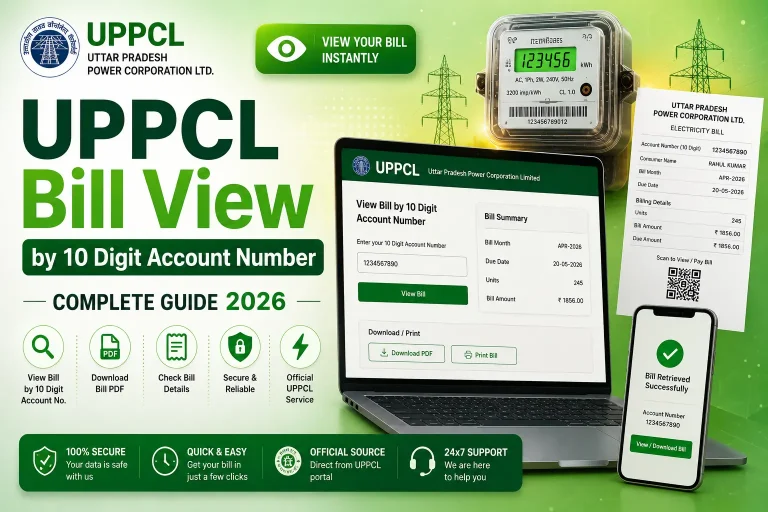
Enter Your 10-Digit Account Number
Type your 10-digit consumer account number in the input field. This number is printed on any previous electricity bill under “Account No.” or “खाता संख्या”. Click “Submit”.
View Your Bill on Screen
Your current electricity bill will be displayed on the screen with all details — consumer name, billing period, units consumed, amount due, and due date.
Download or Print Your Bill
Look for the “Download Bill” or “Print Bill” button on the bill page. Clicking “Download” will save a PDF copy directly to your device. If you click “Print”, use your browser’s “Save as PDF” option to save it without actually printing.
How to Download UPPCL Duplicate Bill
If you have lost your original printed bill, or it was not delivered to your address, you can get a duplicate UPPCL bill anytime by following the same process above. The bill downloaded from upenergy.in is considered an official duplicate bill and is accepted as valid documentation.
📄 Current Month Bill
Available on upenergy.in from the 1st–15th of every month. Simply enter your account number to access it.
📅 Previous Month Bills
UPPCL portal typically shows current and 1–2 previous bills. For older bills, contact UPPCL office or call 1912.
🖨️ Printed Duplicate
Visit your nearest UPPCL office or Seva Kendra with your account number to get a printed duplicate bill.
📱 Via Payment Apps
Google Pay, PhonePe, Paytm show bill details when you enter your account number — screenshot it as a backup.
What Does a UPPCL Bill PDF Contain?
When you download your UPPCL electricity bill, the PDF document contains the following information:
| Field | Details |
|---|---|
| Consumer Name | Name of the registered account holder |
| Account Number | Your unique 10-digit consumer ID |
| Address | Registered address for the connection |
| Meter Number | Your electricity meter serial number |
| Billing Period | Start and end dates of the billing month |
| Previous Reading | Meter reading at the start of period |
| Current Reading | Meter reading at the end of period |
| Units Consumed | Total electricity used (kWh) |
| Energy Charges | Amount calculated on slab-wise rates |
| Fixed Charges | Monthly fixed connection fee |
| Total Amount Due | Final payable amount including all charges |
| Due Date | Last date for payment without surcharge |
| Division/Sub-Division | Your local UPPCL office details |
UPPCL Bill Download Not Working — Troubleshooting
Issue 1: Download Button Not Visible
Try using a desktop browser (Chrome or Firefox) instead of a mobile browser. UPPCL’s download feature works most reliably on desktop. On mobile, use the “Print → Save as PDF” workaround.
Issue 2: Bill Showing as Blank or Incomplete
Clear your browser cache and cookies, then reload the page. If the issue persists, try a different browser. Sometimes UPPCL’s PDF generation has temporary glitches that resolve within a few hours.
Issue 3: Bill Not Yet Generated
UPPCL generates bills monthly between the 1st and 15th. If your bill is not available yet, check back after a few days. The system will show the message “No bill generated” if it is too early in the billing cycle.
Issue 4: Account Number Error
Make sure you are entering exactly 10 digits — no spaces, no dashes. The account number on your old bill might have leading zeros — include all of them.
Download Your UPPCL Bill Now
Enter your 10-digit account number and access your bill instantly
Download UPPCL Bill →Frequently Asked Questions
Conclusion
Downloading your UPPCL electricity bill online is a simple, free, and paperless process. With just your 10-digit account number and access to upenergy.in, you can get a PDF copy of your bill anytime — whether you need it for address proof, tax documentation, or personal records. If you face any issues, the UPPCL helpline at 1912 is available 24×7 to assist you.