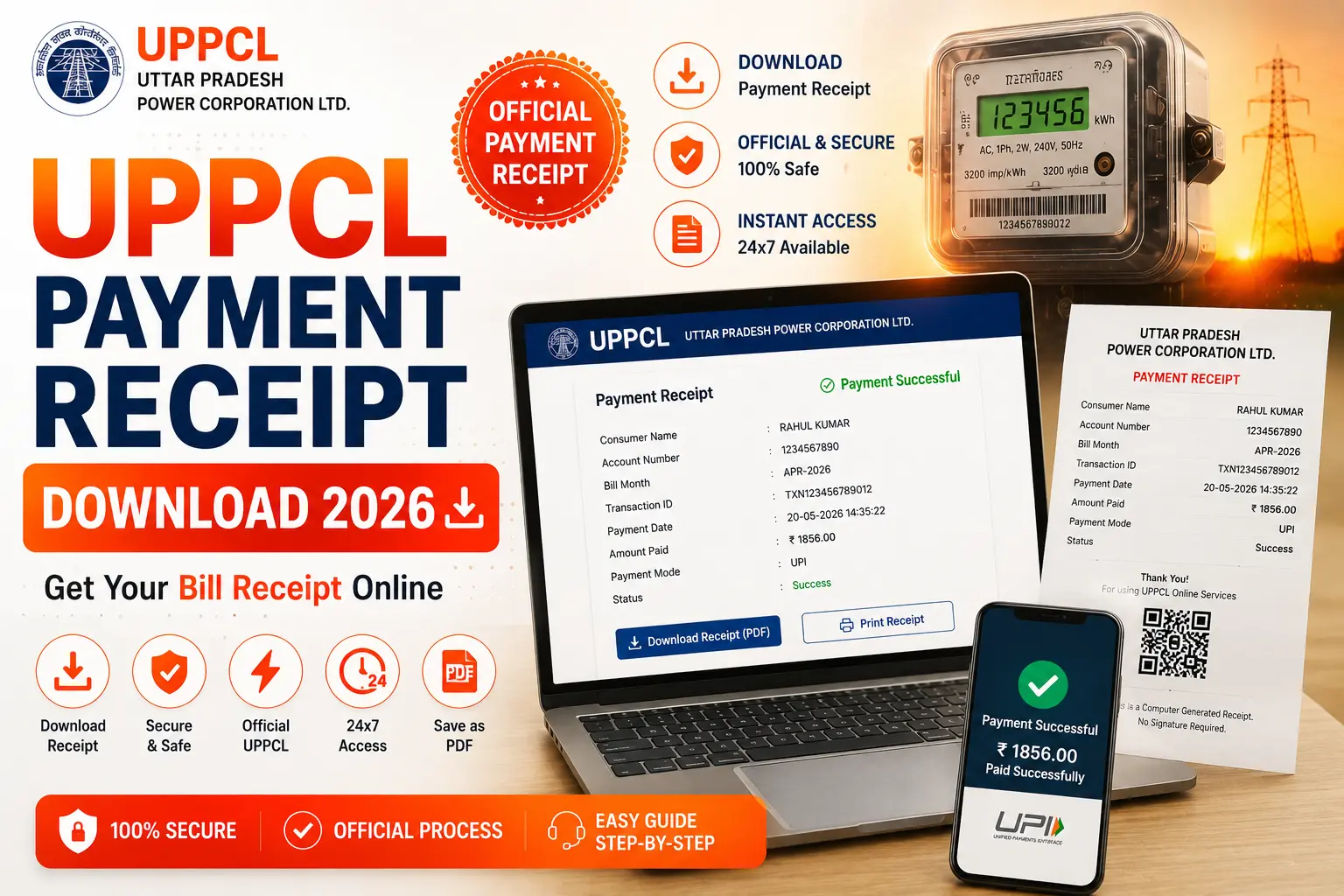
UPPCL Payment Receipt Download 2026 — Get Your Bill Receipt Online
Paid your UPPCL electricity bill but need a receipt for your records, for your employer’s reimbursement, or to prove that the payment was made? This guide explains exactly how to get your UPPCL payment receipt from all official and third-party sources.
Where Can You Get UPPCL Payment Receipt?
Method 1: Download Receipt from upenergy.in (Official)
Visit the UPPCL Payment Receipt Page
Go to www.upenergy.in and look for “Payment Receipt” or “Transaction Status” in the Consumer Services menu.
Enter Required Details
You will need either your 10-digit account number or your transaction/reference number (provided after payment was completed). Enter the details and click “Search”.
View and Download Receipt
Your payment confirmation will appear showing the amount paid, date of payment, and transaction ID. Click “Download Receipt” or “Print” to save it as a PDF.
Method 2: Get Receipt from Google Pay
- Open Google Pay on your phone
- Tap the profile icon at the top right corner
- Go to “Transaction History”
- Find your UPPCL bill payment from the list
- Tap on the transaction to view full details
- Tap “Share” or take a screenshot — this serves as your payment receipt
Google Pay receipts show the payment amount, date, time, transaction ID, and UPI reference number — all sufficient for official proof of payment.
Method 3: Get Receipt from PhonePe
- Open PhonePe and go to “History” tab at the bottom
- Filter by “Bill Payments” and find your UPPCL transaction
- Tap on the transaction to view the detailed receipt
- Tap “Share Receipt” to send it via WhatsApp, email, or download it
What a UPPCL Payment Receipt Contains
UPPCL Receipt Not Available — What to Do?
If you cannot find your payment receipt online, try these steps:
- Check your email inbox and SMS — UPPCL and payment apps send confirmation messages automatically
- Check transaction history in your bank app — All UPI and Net Banking transactions are stored with reference numbers
- Call UPPCL helpline 1912 — Share your account number and approximate payment date; they can confirm payment and issue a receipt
- Visit UPPCL division office — With your account number and bank transaction proof, the office can issue a manual receipt
Is Payment Receipt Required After Paying UPPCL Bill?
While UPPCL does not require you to submit a receipt for anything routine, there are specific situations where having your payment receipt is very important:
- If payment did not reflect in UPPCL’s system — receipt proves your payment was made
- If UPPCL sends a disconnection notice despite payment — receipt is your defense
- For employer reimbursements that require utility bill receipts
- For house rent allowance (HRA) claims — some employers ask for electricity bill receipts
- For court or legal proceedings involving property disputes
Check Your UPPCL Payment Receipt
Enter your account number and get directed to the official UPPCL receipt portal
Get Payment Receipt →Frequently Asked Questions
Conclusion
Getting your UPPCL payment receipt is straightforward whether you paid online or offline. Always save your transaction ID immediately after payment, and keep both your bill and payment receipt for at least 6 months. In case of any discrepancy, UPPCL’s helpline at 1912 is your fastest point of contact.