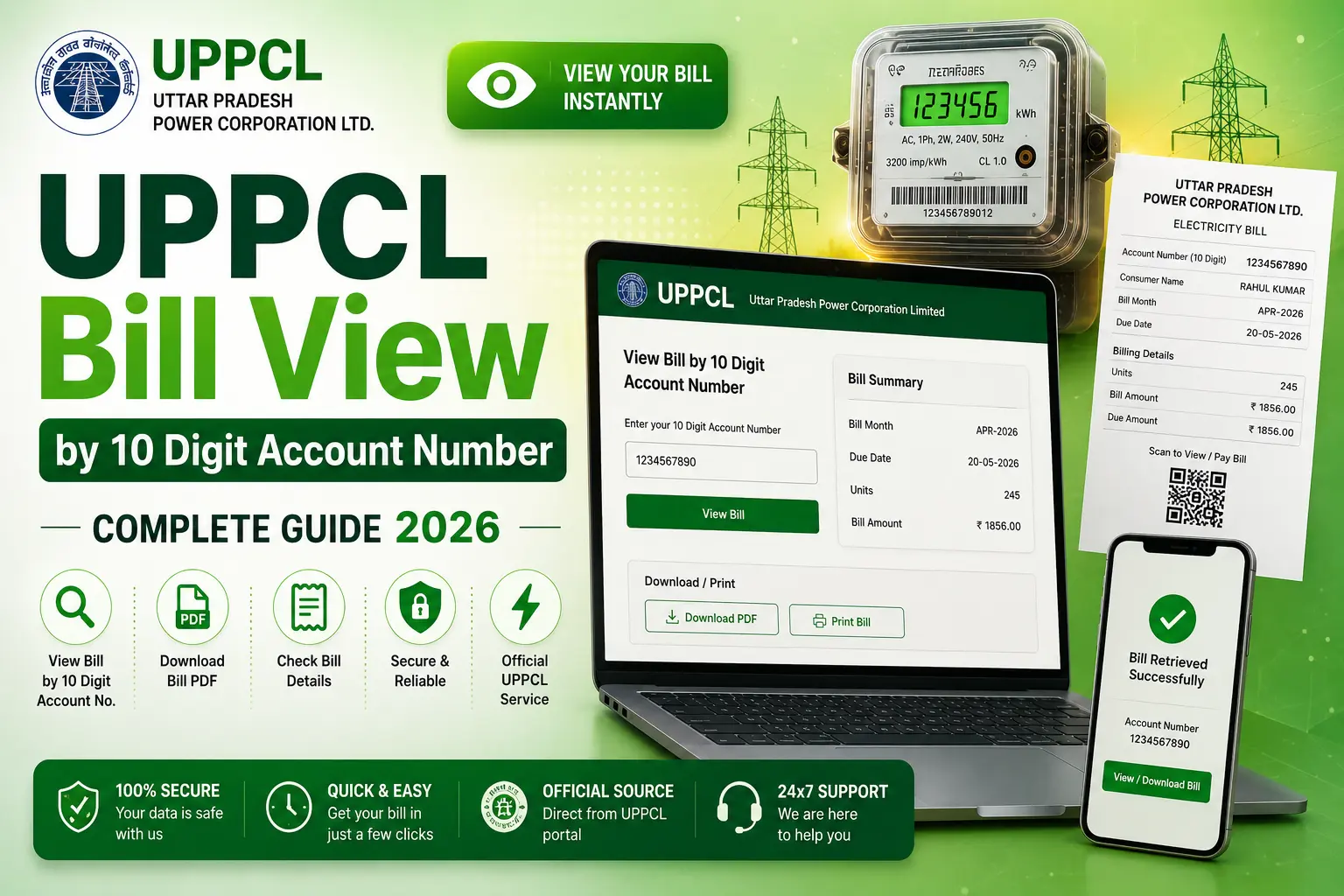
UPPCL Bill View by 10 Digit Account Number — Complete Guide 2026
The most common question among UPPCL consumers is: “How do I view my electricity bill using my 10 digit account number?” The process is simple — your account number is the key to accessing all your UPPCL bill information online in seconds.
This guide explains everything about the UPPCL 10-digit account number — what it looks like, where to find it, and how to use it to view your bill on any device.
What is the UPPCL 10-Digit Account Number?
The UPPCL 10-digit account number is your unique consumer identification number assigned by Uttar Pradesh Power Corporation Limited. It identifies your specific electricity connection and remains constant throughout your lifetime as a UPPCL consumer — it does not change even if you change your name or address.
Each digit position in the account number carries encoded information about your UPPCL division, sub-division, and consumer serial number. The first few digits typically identify your geographic zone within Uttar Pradesh.
Where to Find Your UPPCL 10-Digit Account Number?
| Source | Location on Document / Device | Reliability |
|---|---|---|
| Electricity Bill (Printed) | Top section of bill, labeled “Account No.” or “खाता संख्या” | ⭐⭐⭐⭐⭐ Most Reliable |
| Electricity Bill (Online PDF) | Same location as printed bill — top header area | ⭐⭐⭐⭐⭐ Most Reliable |
| UPPCL App | Profile section after registration | ⭐⭐⭐⭐ |
| Electricity Meter | Sometimes printed on a sticker attached to the meter box | ⭐⭐⭐ |
| UPPCL Office | Ask counter staff with your name + address + Aadhaar | ⭐⭐⭐⭐ |
| Helpline 1912 | Call with your name and address — they can verify your account number | ⭐⭐⭐⭐ |
Step-by-Step: View UPPCL Bill Using 10-Digit Account Number
Find Your Account Number
Get your 10-digit account number from a previous electricity bill. Look for the field labeled “Account No.” or “खाता संख्या” on the top portion of the bill. Write it down or save it in your phone.
Go to upenergy.in
Open www.upenergy.in on your mobile or desktop browser. This is UPPCL’s official website. Do not use unofficial or look-alike websites.
Click “View and Pay Your Bill”
From the homepage, find and click “View and Pay Your Bill” option. This takes you directly to the bill viewing portal where you can enter your account number.
Enter Your 10-Digit Account Number
Type all 10 digits carefully in the input box. Do not add spaces, dashes, or any other characters. If your number starts with a zero (like 0123456789), include the leading zero. Click “Submit”.
View Your Complete Bill
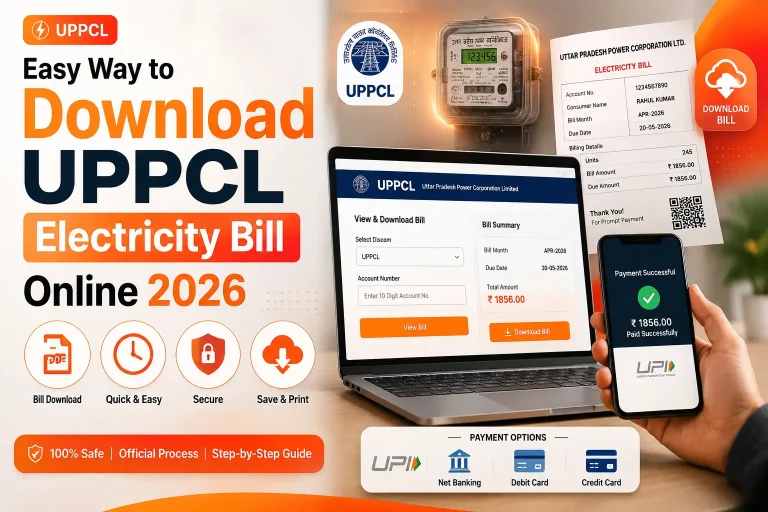
Your electricity bill will appear instantly on the screen. You can see all details — consumer name, meter reading, units consumed, energy charges, fixed charges, total due, and due date. From here you can also pay the bill or download it as PDF.
Common Errors When Entering 10-Digit Account Number
❌ Common Mistakes
Entering meter number instead of account number. Adding spaces between digits. Missing leading zeros (e.g., entering 123456789 instead of 0123456789). Mixing up similar-looking digits like 0 and O, 1 and I.
✅ Do This Instead
Always use the number from the “Account No.” field on your bill. Enter all 10 digits without any gaps. Include leading zeros. Double-check the number before clicking Submit.
What You Can Do After Viewing Your UPPCL Bill
Once you have successfully viewed your bill using the 10-digit account number, you have several options:
- Pay Online — Pay immediately using UPI, Net Banking, or card without leaving the portal
- Download Bill — Save your bill as a PDF for address proof or personal records
- Check Due Date — Confirm the last date to pay without late charges
- View Consumption History — Some portal sections allow you to see how your usage has changed month-to-month
- Print Bill — Print a hard copy if required for physical documentation
- Note Previous Readings — Useful for detecting meter reading errors
UPPCL Bill View — Troubleshooting
“No Bill Found” Message
This message appears when no bill has been generated yet for the current billing cycle, or when the account number is incorrect. If you are confident about the account number, wait a few days — bills are generated between the 1st and 15th of each month.
Website Not Loading
UPPCL’s website sometimes faces server load issues during peak hours (10 AM–6 PM). Try accessing it early morning or late evening. As an alternative, use Google Pay or PhonePe to check your bill amount without needing the official website.
Bill Showing Wrong Amount
If the bill amount seems incorrect, check the meter reading details shown in the bill. If the consumption (units) seems unusually high, it might indicate a meter issue. Contact UPPCL at 1912 to raise a meter accuracy complaint.
View Your UPPCL Bill Right Now
Enter your 10-digit account number below and go directly to the UPPCL bill portal
View UPPCL Bill →Frequently Asked Questions
Conclusion
Your 10-digit UPPCL account number is the only thing you need to view, pay, and download your electricity bill online. Always keep this number handy — save it in your phone. The UPPCL portal at upenergy.in is available 24×7 and lets you view your complete bill in just a few seconds. For any issues, the UPPCL consumer helpline 1912 is your best resource.